Two of the most common databases in large enterprises have historically been outside TestGen’s reach. Oracle sits at the center of ERP systems, clinical data warehouses, and operational systems of record across pharma, financial services, and manufacturing. SAP HANA is the backbone of supply chain, finance, and HR data for a significant portion of the Fortune 500. Until now, organizations running data quality programs on these platforms had to work around TestGen or maintain separate tooling.
That changes with the March 2026 release of TestGen (version 5.9.4). TestGen now connects to both Oracle and SAP HANA, bringing the same intelligent profiling and automatically generated tests that TestGen provides on Snowflake, Databricks, Redshift, and other platforms to these two critical enterprise databases. Connection setup details are in the Database Access Requirements documentation.
A New Setup Wizard for Every Database
Alongside the new database support, this release ships a guided Data Configuration Setup wizard that walks users through every step of getting a database connected and fully operational in TestGen. Whether you are connecting to Oracle, SAP HANA, or any of the other supported databases, the wizard guides you through the entire process from a single starting point.
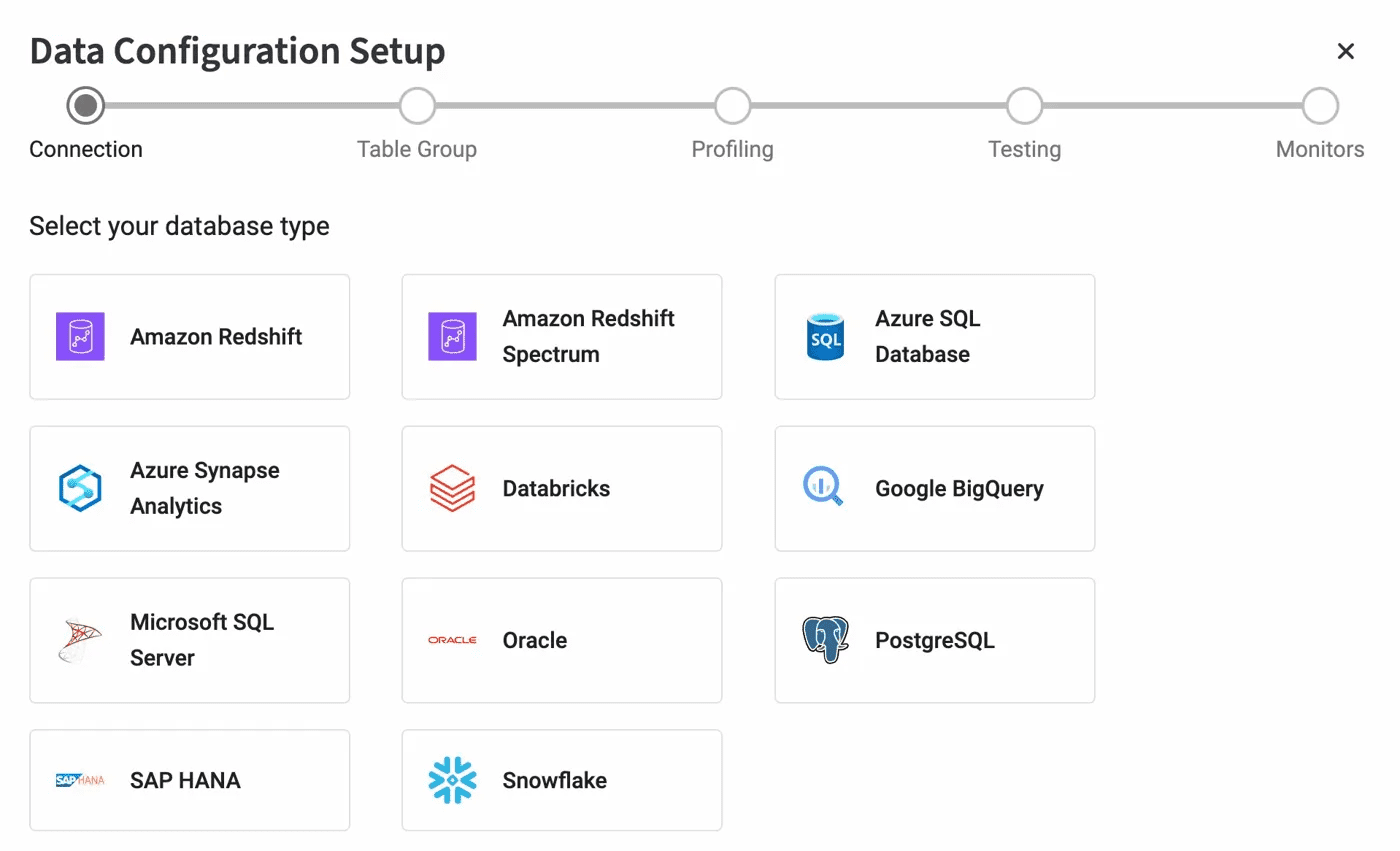
The wizard covers the complete setup sequence across five stages.
Connection. Select your database type, provide the connection credentials, and verify that TestGen can connect to the database. The wizard validates the connection before letting you proceed, so configuration errors surface immediately rather than at test run time.
Table Group. Define which tables and schemas TestGen should work with. Table groups are the unit of organization in TestGen, scoping profiling and testing to the parts of the database that matter for your data quality program.
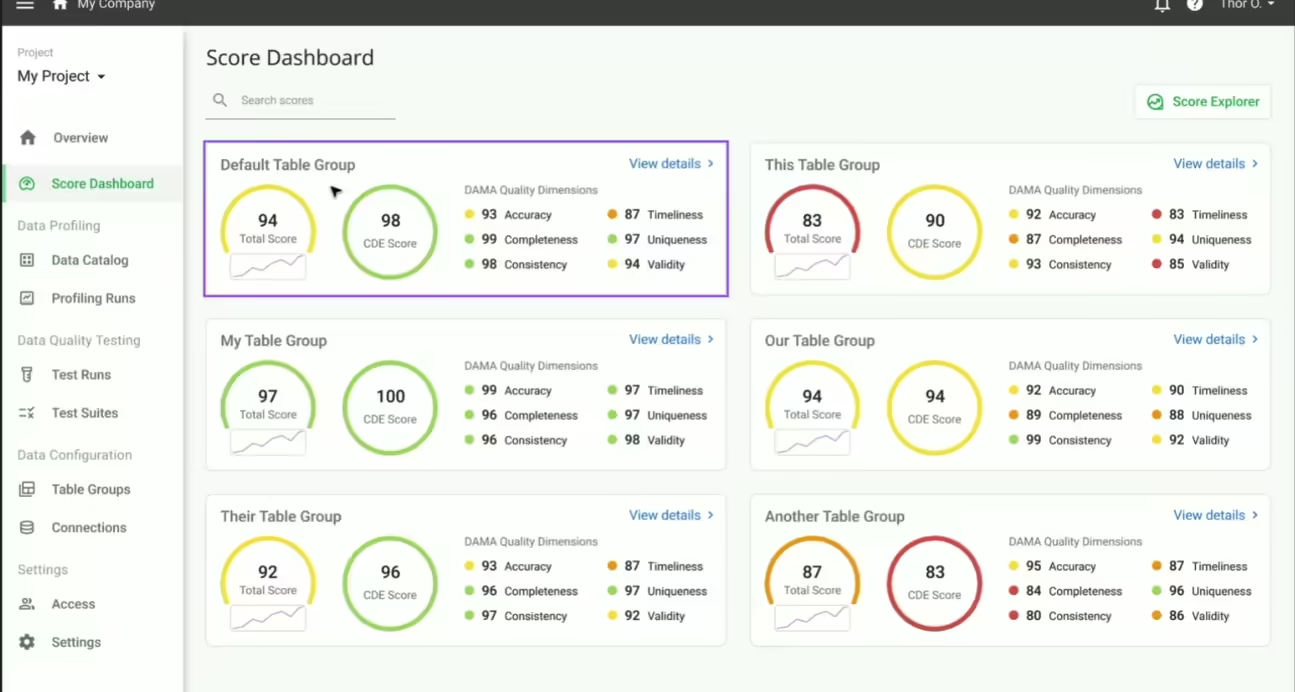
Profiling. Run TestGen’s data profiling against your table group. Profiling builds a statistical portrait of each column, identifying data types, value distributions, null rates, and pattern characteristics. It also surfaces hygiene issues such as type mismatches, unexpected nulls, and value inconsistencies that represent data quality problems before any tests are written.
Testing. Generate and run a test suite based on profiling results. TestGen automatically generates tests calibrated to each column’s observed behavior, covering accuracy, completeness, consistency, timeliness, uniqueness, and validity. The wizard walks through generating the initial test suite and running it for the first time.
Monitors. Configure table monitors and set up scheduling so that profiling, testing, and monitoring run automatically on the cadence your data pipelines require.
Why the Wizard Matters
Getting a new database fully operational in any data quality tool has traditionally required reading documentation across multiple sections, making configuration decisions without much context, and discovering missed steps only after something fails. The setup wizard collapses that process into a single guided flow with validation at each stage.
For teams deploying TestGen on Oracle or SAP HANA for the first time, this means moving from a fresh connection to a running, scheduled data quality program in a single session rather than across multiple days of configuration work. For teams already using TestGen who are adding a new database connection, the wizard provides a consistent starting point regardless of the database.
Full documentation for each stage of the wizard is available at docs.datakitchen.io. The complete release notes for TestGen 5.9.4 are available for both the open-source and Enterprise editions.
Download Open Source TestGen Today: info.datakitchen.io/testgen