What “automated” has to mean
Running hand-written tests on a schedule automates the easy half. The expensive half is writing the tests.
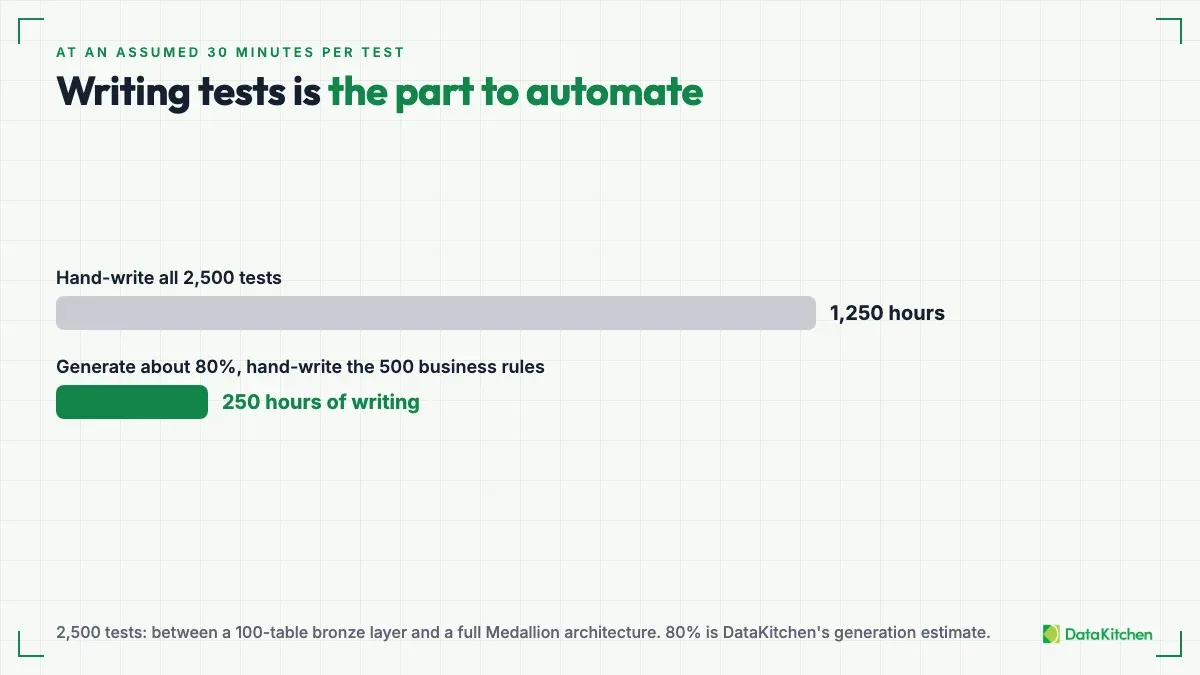
DataKitchen’s Guide to DataOps Tests asks for two to three tests per table. Take a bronze layer of 100 tables averaging 10 columns. That needs roughly 200 table tests and 2,000 column tests (about two per column). A full Medallion architecture needs about 5,000. Say you hand-write 2,500 tests, a scenario between those two figures. At an assumed 30 minutes each (an assumption, not a measured figure), that takes 1,250 hours.
Nobody has 1,250 hours. In my experience, coverage stalls at the handful of tables that already burned somebody, and the rest run untested.
Automating data testing means automating three things: creating the tests, running them, and acting on the results. Steps 1 to 3 create tests and monitors, Step 4 runs them, and Step 5 acts on results.
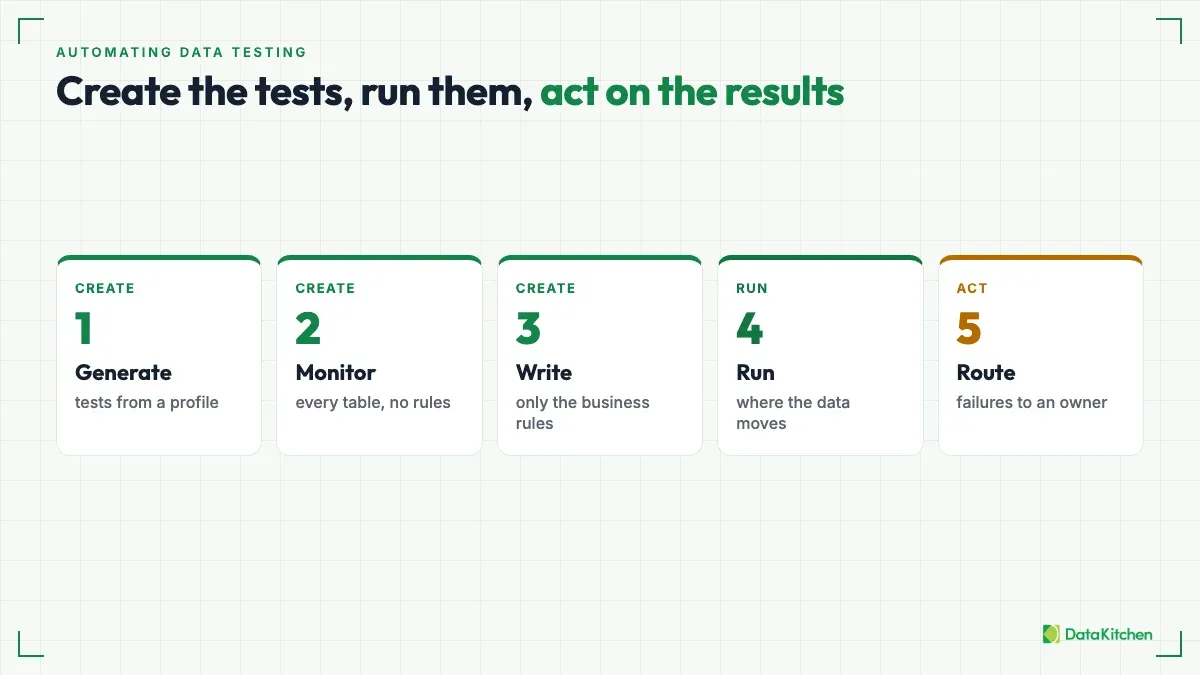
Step 1: Generate the routine tests from a profile
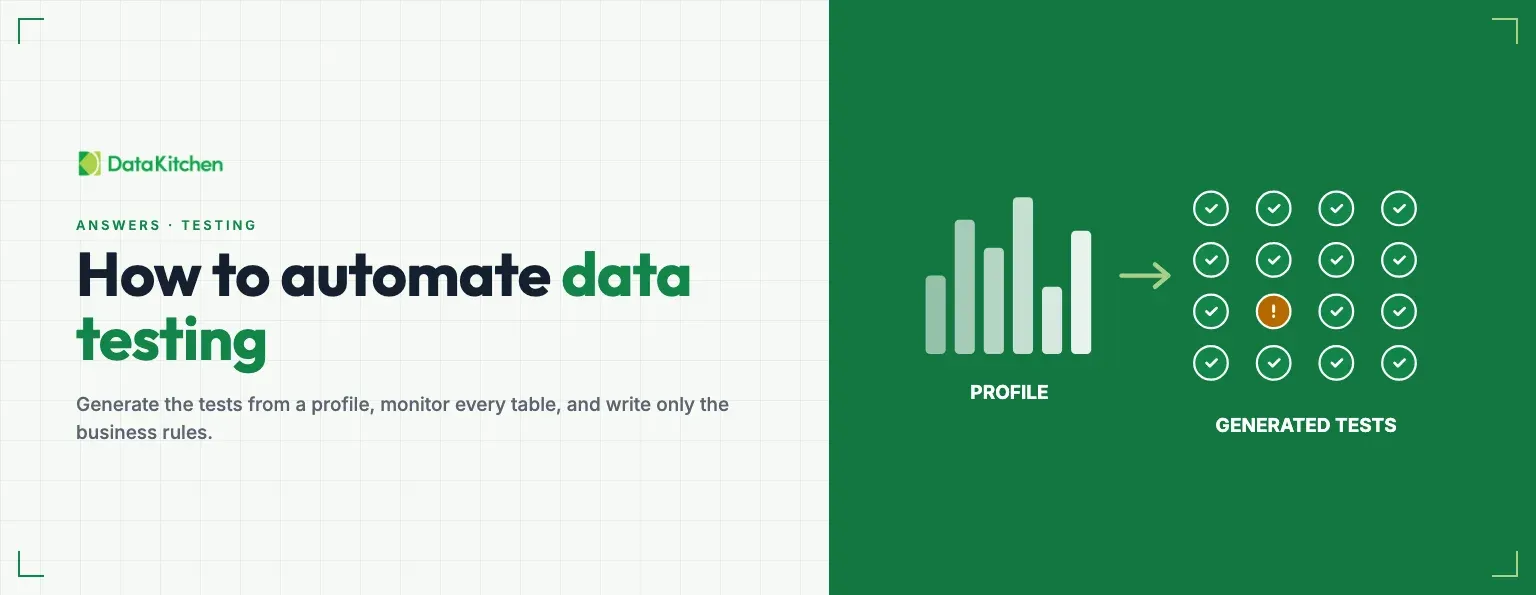
TestGen profiles every column in your database. It measures 60 characteristics per column and flags 32 kinds of data hygiene issue. Then it generates tests from 36 test types, based on what the profile found. Nobody hand-writes YAML or Python to get that coverage. To see every check TestGen can run, sorted by the symptom it catches and how much setup it needs, filter the Periodic Table of Data Quality.
DataKitchen estimates that generation covers about 80 percent of the tests you need (the reasoning is in No Python, no SQL templates, no YAML). The rest needs your knowledge of the business.
You review generated tests in TestGen’s web UI, where engineers, data stewards, and business users see profiles, tests, monitors, and results. For each test, you accept it, adjust it, or turn it off. Generated tests are built from your data as it is today, so a problem already in the data can look normal. Review is where you catch that.
Step 2: Put monitors on every table
Freshness, volume, schema, and metric monitors need no rules. They cover every table you point them at, and they watch for late loads, unusual row counts, schema changes, and shifts in a metric.
If you’re deciding what to set up first, read data quality testing or data observability: which first.
Step 3: Write only the business rules, and let an assistant help
A generated test describes the data you have. It can’t know what the data should mean. That part is the business rules, and you can get a head start on them.
TestGen’s MCP server has 117 tools in the open-source edition. Connect an AI assistant and it reads the profile and drafts rules under your own role. You review what it drafts, the same way you review generated tests.
In DataKitchen’s 2026 NYC taxi test, 62 generated tests passed on a 300,000-row sample. What the AI-written rules caught is on Can AI write data quality tests?.
Step 4: Run them where the data moves
Tests only help if they run where the data moves. The Guide names four places to test: source data, ingestion, production tripwires between steps, and regression tests in development.
TestGen runs test suites from Airflow, GitHub Actions, GitLab CI, or Azure DevOps through its REST API. Your job starts a run, polls until it finishes, and fails the pipeline when a test fails. Tests set to Warning severity report without blocking, so a soft problem doesn’t stop a release.
The Airflow setup is in How to run TestGen from Airflow. For release gates, see How to run data tests in CI/CD before an analytics release. The API calls are in the TestGen docs.
Step 5: Route failures to a person
Notifications go to email, Slack, Microsoft Teams, or a webhook. Name an owner for each table, so every alert has someone who answers it.
An alert with no owner just piles up in a log.
What automation won’t do
A person who knows the business decides which business rules matter and says what a value should look like. An assistant drafts those rules for review.
An engineer or steward finds the cause of a failure and repairs the data. A failed test tells you where to look.
How the approaches compare
| Approach | Who writes the tests | How they run | Fit |
|---|---|---|---|
| Hand-written SQL checks | You, one query at a time | Whatever scheduler you wire up | A handful of critical tables. Flexible, but the 1,250-hour scenario above applies. |
| dbt tests | You, in YAML per model | dbt build | Teams already in dbt. Good at keeping checks next to the model they guard. See When are dbt tests enough? |
| Great Expectations and Soda Core | You, as checks in Python or YAML | From your orchestrator or scripts | Teams that want detailed, hand-authored checks as code. Soda Core has been source-available under the Elastic License 2.0 since January 2026. |
| DataKitchen TestGen | Generated from a profile, plus monitors. You add business rules. | On a schedule or through the REST API | Teams that want coverage without writing every test. |
Start with TestGen
TestGen is open source under Apache 2.0. The open-source edition is free for one user, one database connection, and one project, with unlimited tables. Install TestGen and profile one schema to see what it generates.
TestGen Enterprise costs $100 per user per month plus $100 per database connection per month. Details are on the pricing page.
For the definitions behind all of this, see What is data testing?